




Book your favourites. Keep your rewards close.

Discover a new favourite or book a service again. Keep appointments and loyalty points from participating businesses together in the SpaOS app.

For iPhone and Android. Book in the app.

How it works
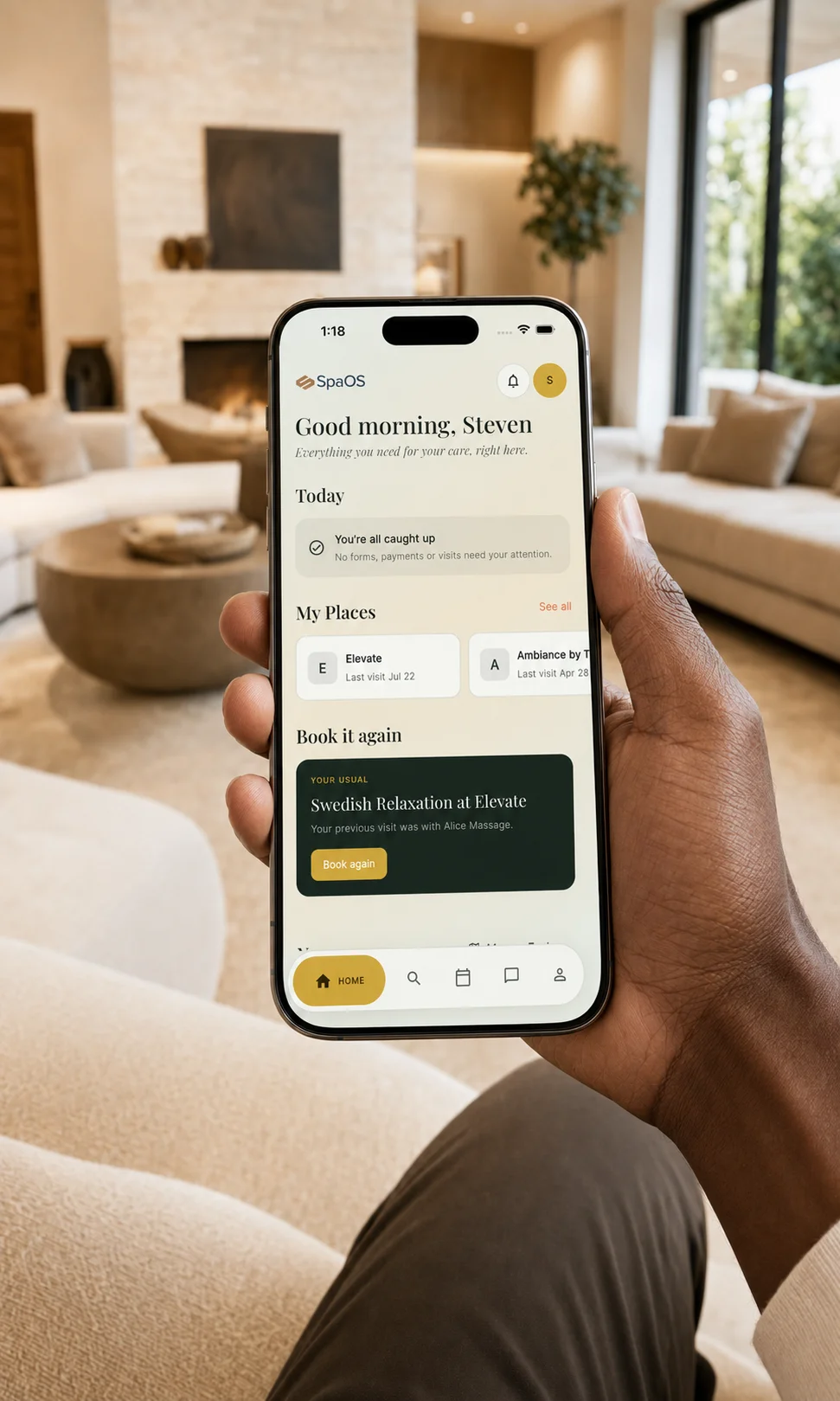
An iPhone held in a hand, showing the SpaOS client app home screen and Book again option.
The SpaOS client app

Make the next visit easier.

Book your favourites again

Found a service you love? Start your next booking from a previous appointment, then choose a time that suits you.

  • Open a past appointment and choose Book Again.
  • Return to the same business with a previous service selected.
  • Choose an available time, review the details and confirm.
Get SpaOS to book again

Keep track of your loyalty points

Earn points with participating businesses and see what you have available for a future visit.

  • See your points balance in Wallet.
  • Follow points earned and used at each business.
  • Ask to redeem eligible points for a discount at checkout.

Loyalty is offered by participating businesses. Earning rates and redemption terms vary.

Get SpaOS for your rewards

Book in three easy steps.

  1. 1

    Download SpaOS

    Get the SpaOS client app for iPhone or Android.

  2. 2

    Find your place

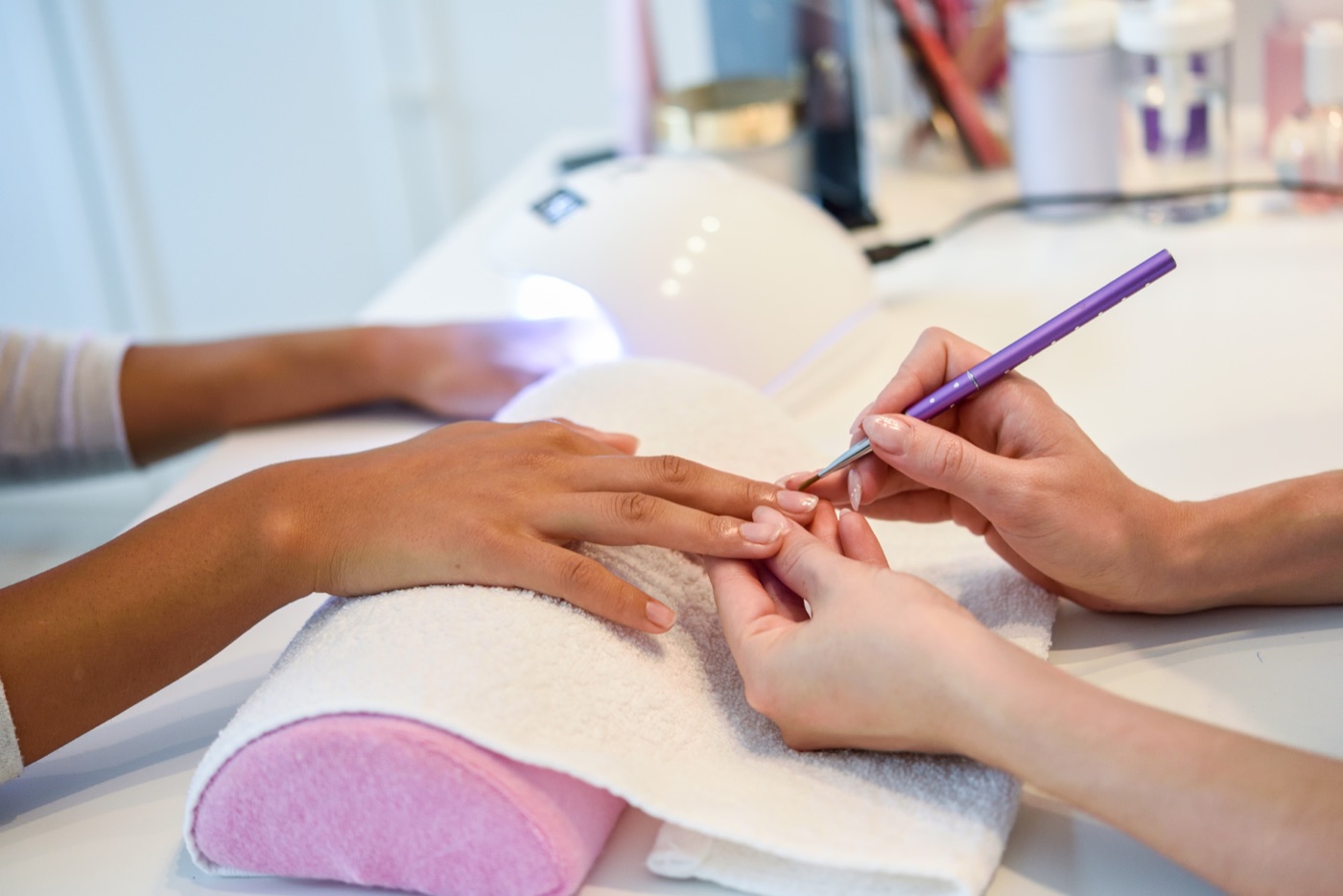
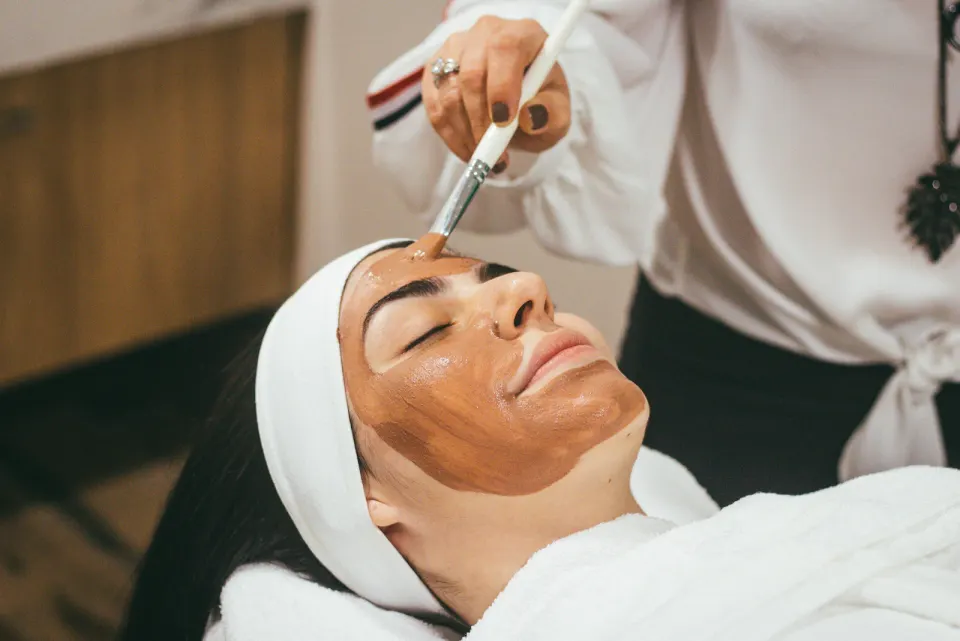
    Explore salons, spas, barbers, wellness studios and med spas, then choose your service.

  3. 3

    Book your visit

    Choose an available time and book your appointment in the app.

Your next visit starts in the app.

Download SpaOS to book your favourites again, manage appointments and keep track of loyalty points from participating businesses.

Download the SpaOS client app to browse and book.

Run a beauty or wellness business?

Manage bookings, clients and daily operations with SpaOS Business.

Explore SpaOS Business